For larger organisations
One system for every office and team
Bring offices, rooms, practitioners and front desks onto one Mena account, with roles for every seat and one calendar across the organisation.
Grow without adding tools
Every office on one account
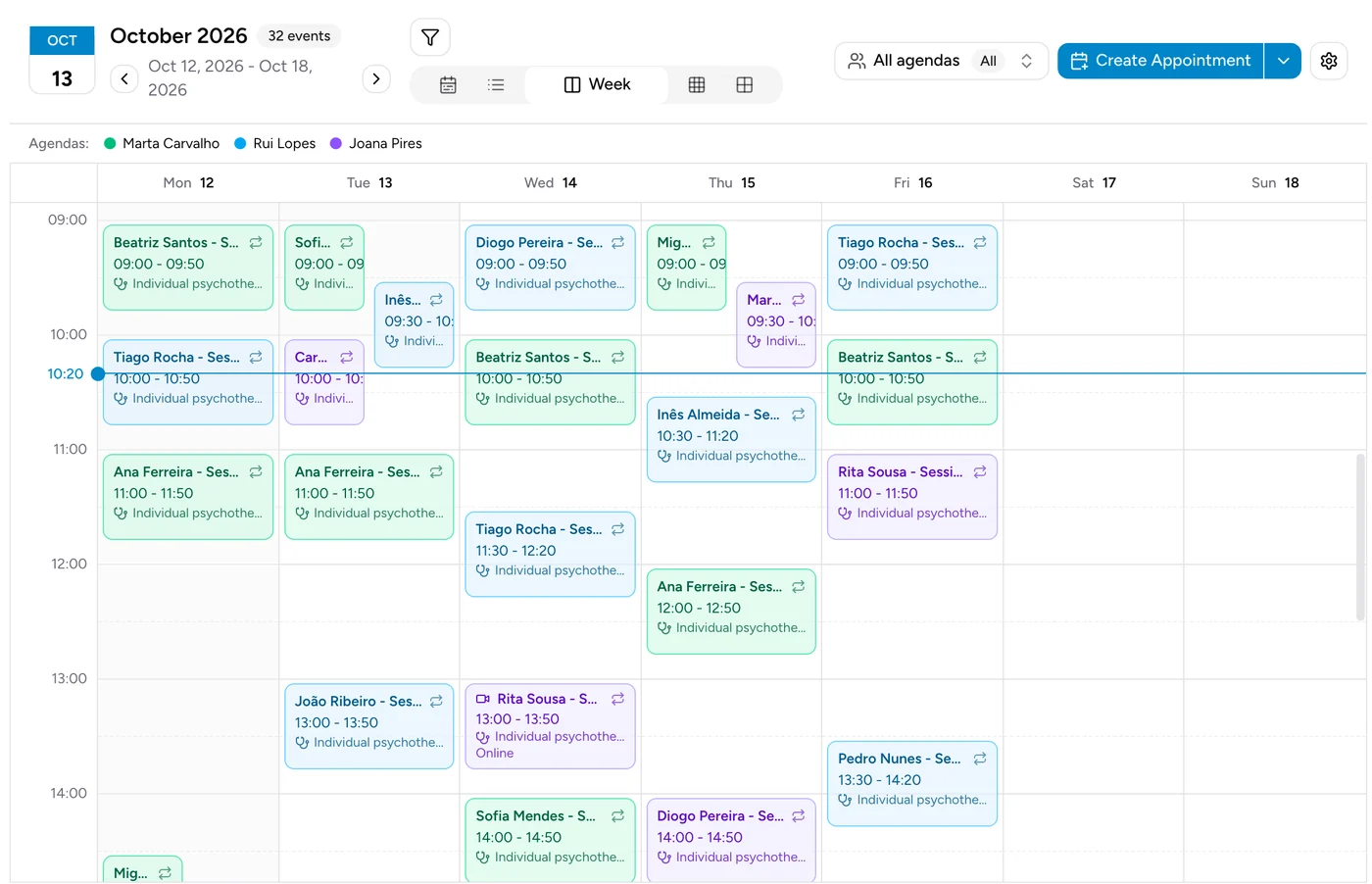
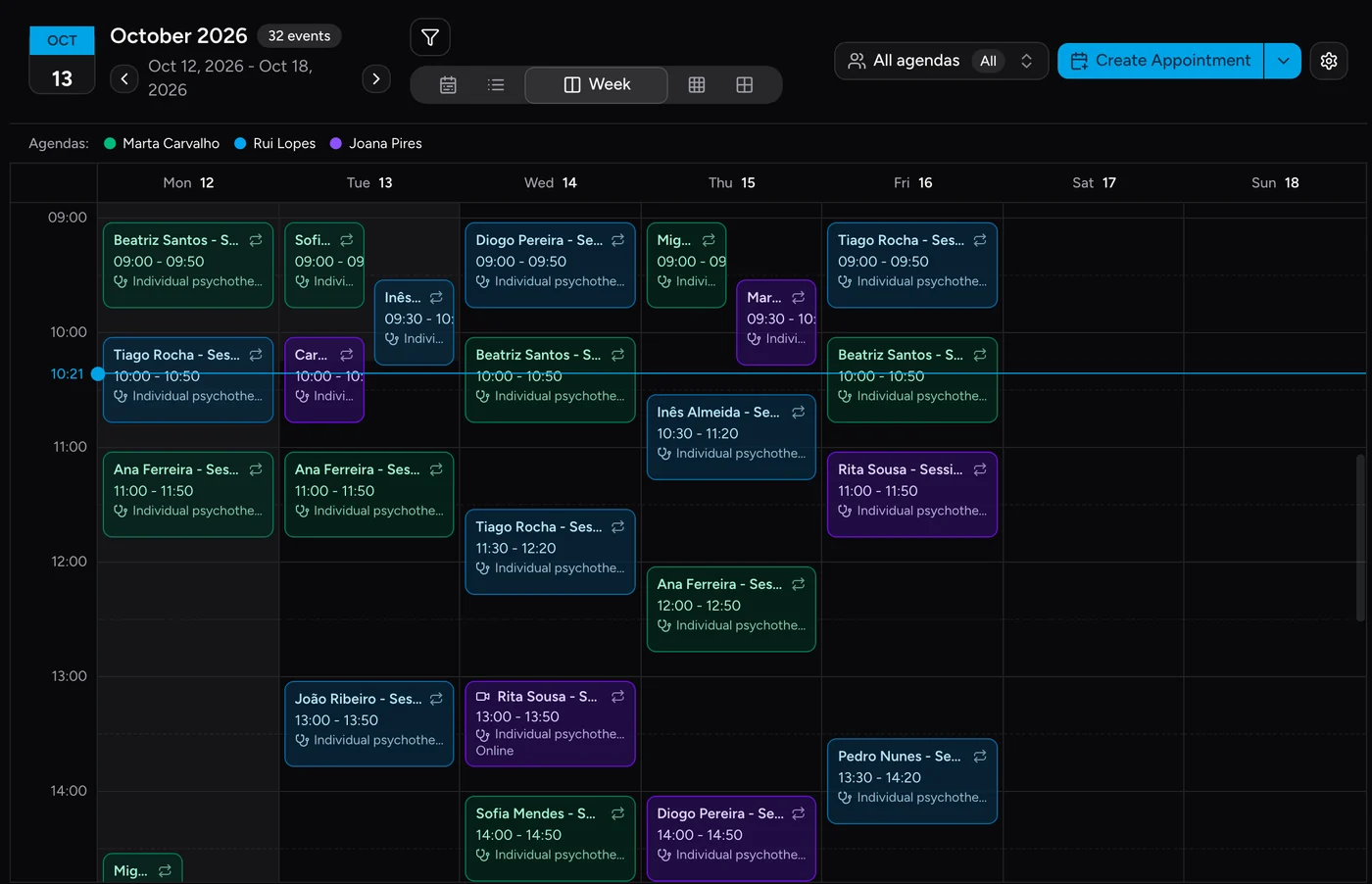
Add offices and rooms as you open them, and book any practitioner into any location from the same calendar.
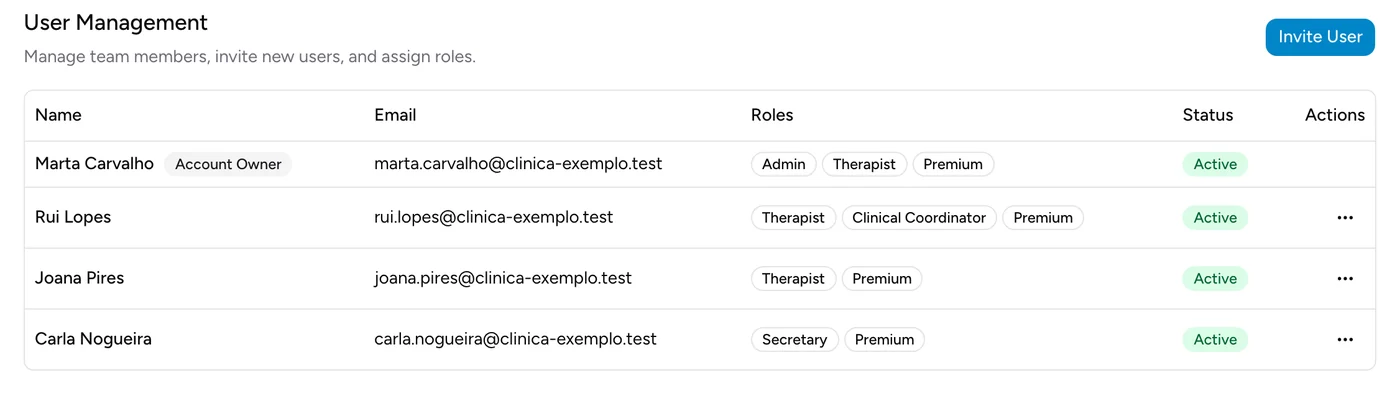
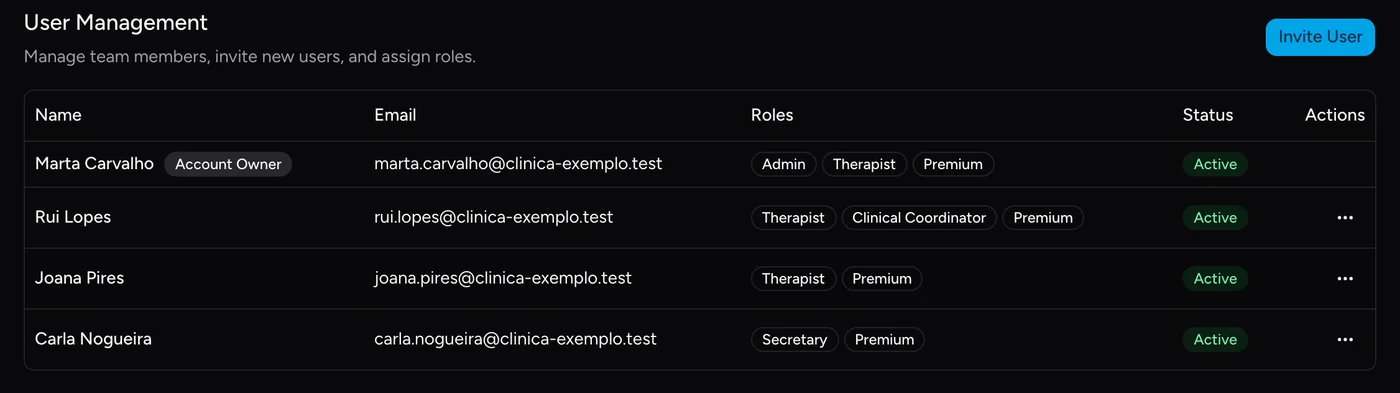
A seat for every role
Therapists, clinical coordinators, administrators, secretaries and sales each get the access their work needs.
Moving in without starting over
Import patients from your current systems, so teams start with their history already in place.
One calendar across offices and rooms
Book practitioners into the right office and room, prevent clashes, and keep a waiting list for every team.
- Offices and rooms for each location
- Clash checks before an appointment is saved
- A waiting list for cancelled slots
- Two-way Google Calendar sync and an iCal feed
Access set by role, recorded by Mena
Invite each colleague by email into a seat, and let roles decide who sees clinical records and who runs the agenda.
- Therapists see only the patients linked to them
- Coordinators and admins see the organisation
- Secretaries manage the agenda without clinical records
- An audit log of every view, edit and export
Built for organisations
What changes when Mena runs across several offices and teams.
Practitioner statements
Set a commission for each practitioner and get a monthly statement of what each one is due.
Invoicing and payments
Invoice each session and take card, Apple Pay, Google Pay and MB WAY payments online.
Data import
Import patients from CSV, Excel or a ZIP export of your current systems.
Notes drafted for every clinician
Mena transcribes sessions and drafts notes that each clinician reviews and edits.
Patient data on request
Export a patient's data when they exercise their rights under the GDPR.
Video sessions built in
Run online sessions inside Mena, with no separate video tool or meeting links to send.
Frequently asked questions
How is Mena deployed?
Mena runs as a cloud service with data stored in the EU. There is no on-premise or private-cloud version.
Can Mena handle several offices and teams?
Yes. One account holds all your offices and rooms, and each colleague has a seat with a role. The calendar shows every practitioner across locations and checks for clashes before an appointment is saved.
How does Mena protect our data?
Mena is built for the GDPR. Clinical fields are encrypted with a key for your organisation, data is stored in the EU, access follows each person's role, and the audit log records who viewed, edited or exported a record.
Can Mena connect to our existing systems?
Mena imports patient data from CSV, Excel or a ZIP export, exports a patient's data on request, syncs with Google Calendar and publishes an iCal feed. It does not connect to hospital information, lab or pharmacy systems today.
How are pricing and onboarding agreed?
Organisations are on the Enterprise plan, priced by contact. Book a demo and we will agree seats, onboarding and data import with your team.
Still have questions? Email us at support@mena-ai.pt
Plan the move with our team
Tell us about your offices, teams and current systems, and we will show you how Mena would fit in a short demo.